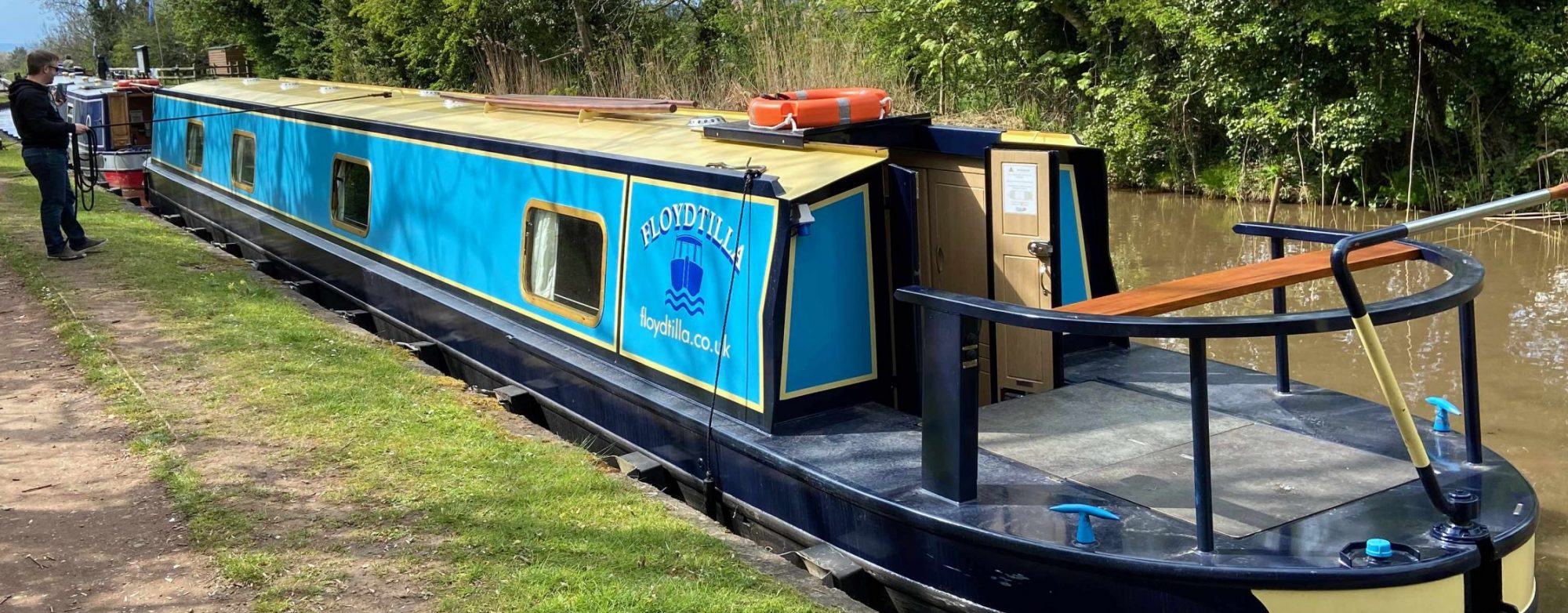

Ordered for our Canal Boat from Currys a couple of days ago for delivery to our local store for collection, the process could not have been simpler.
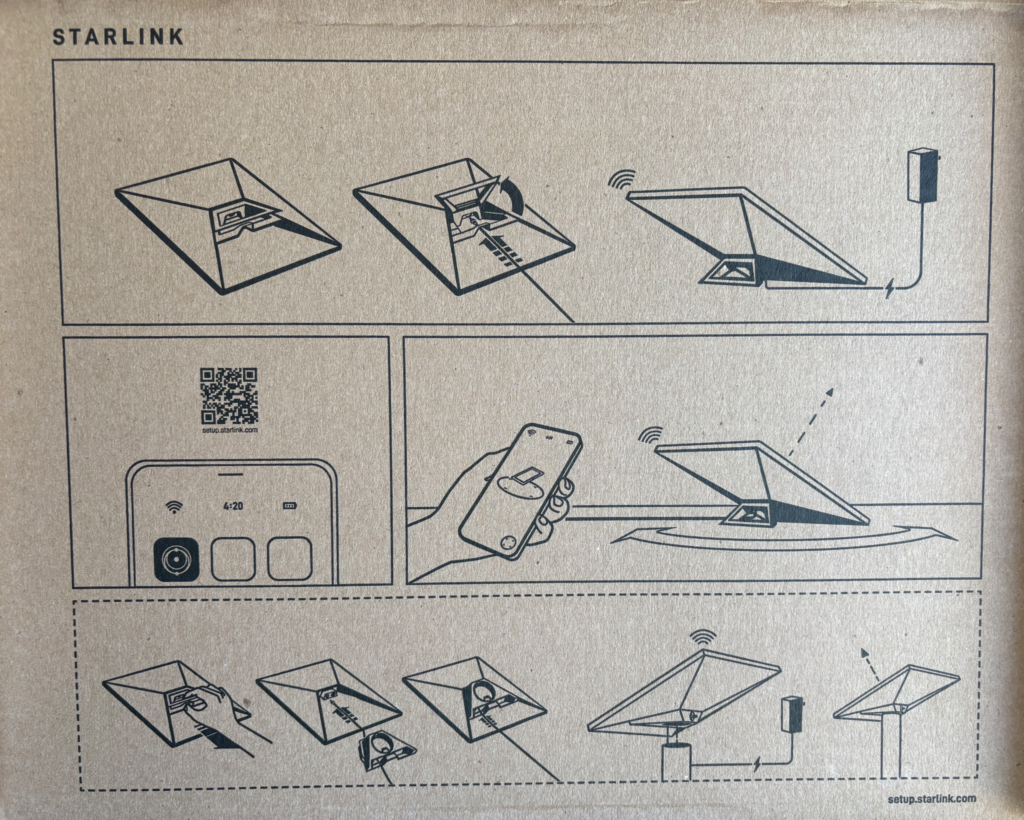
Once home, it was time to open the box, inside we find on the inside of the lid some simple getting started instructions, it the base are all the bits you need to get started (Well almost – more on that later).
 | 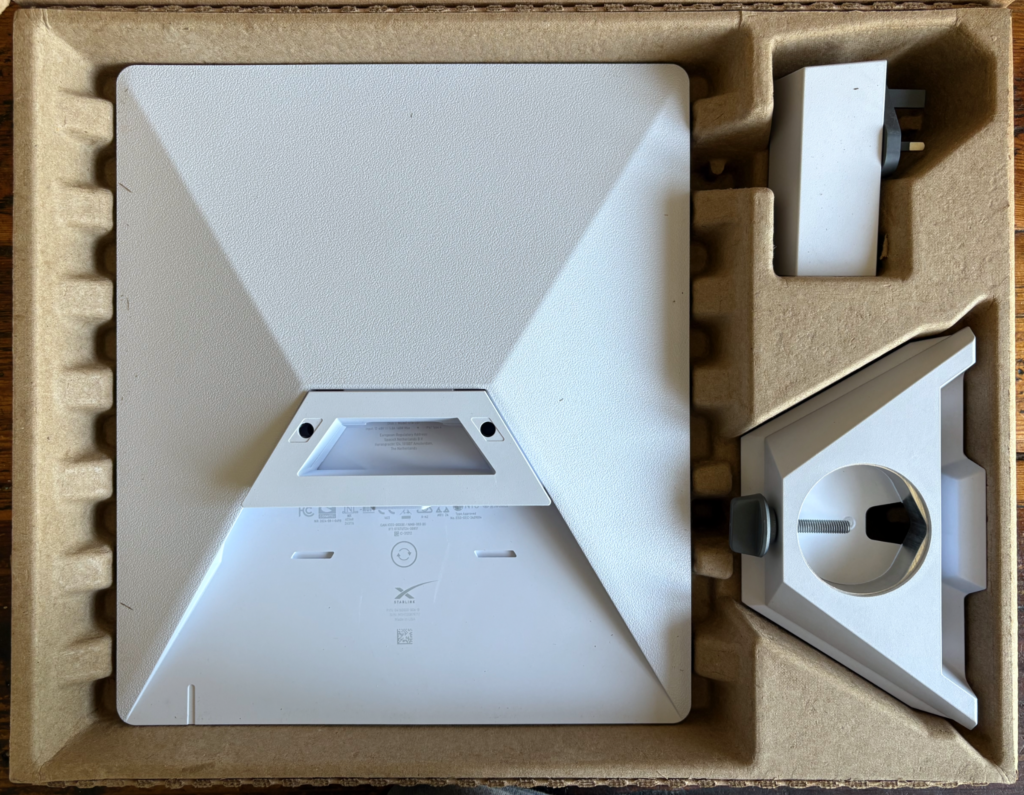 |
On the image above we can see the back of the StarLink Mini, the UK power supply and the Pipe mount.
 | 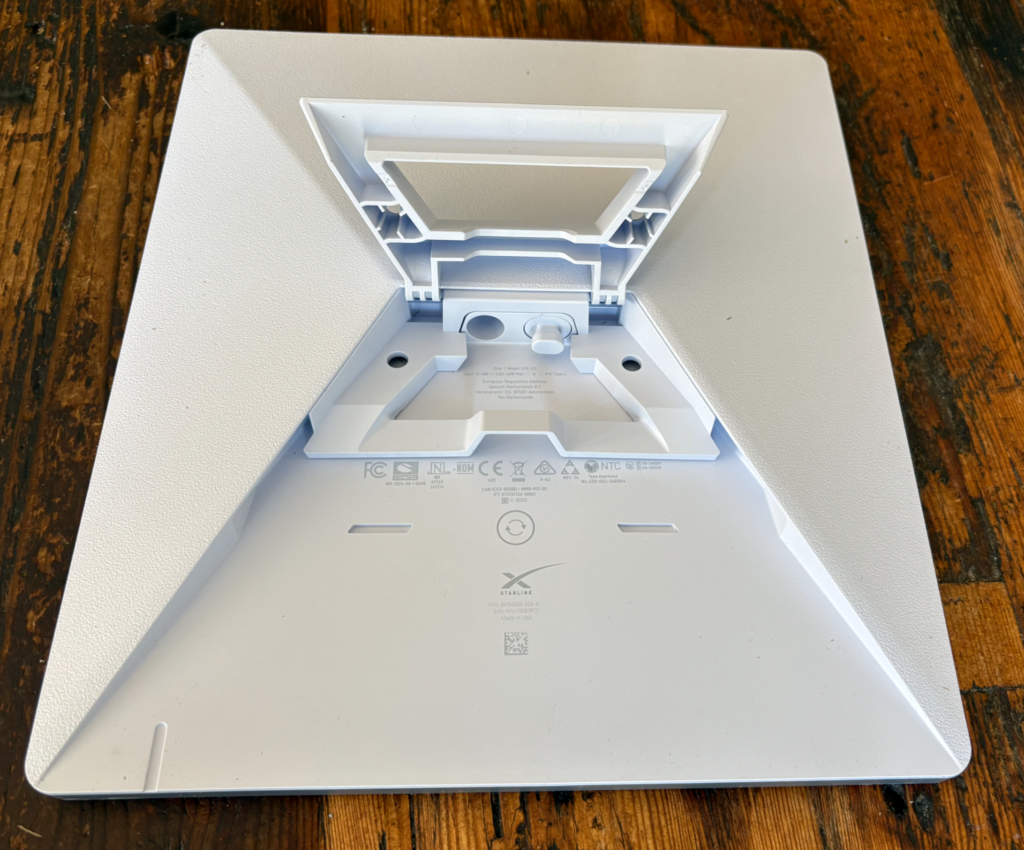 |
The StarLink Mini is approx 29cm X 26cm and comes with the kick stand installed, as can be seen above.
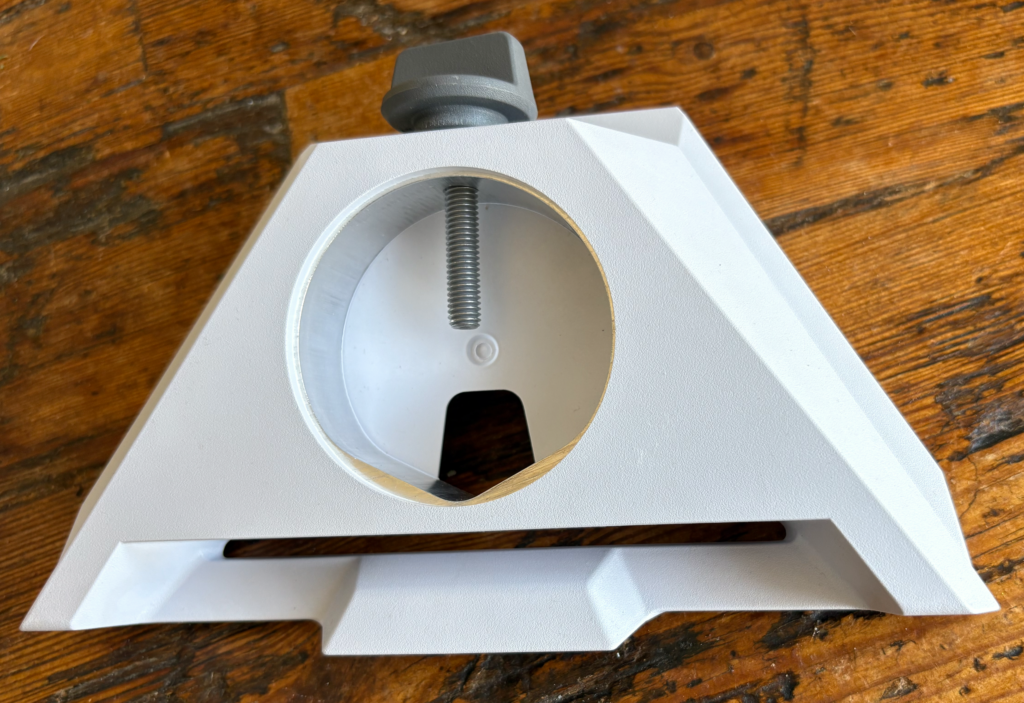 | Included in the box is the Pipe mount, this replaces the kick stand and can be mounted on pipes 31 mm (1.25 inches) to 50 mm (2 inches). There are lots of mounting system that use this adapter, I have also seen Tripod adapters that fit in the mount providing a standard camera tripod socket. |
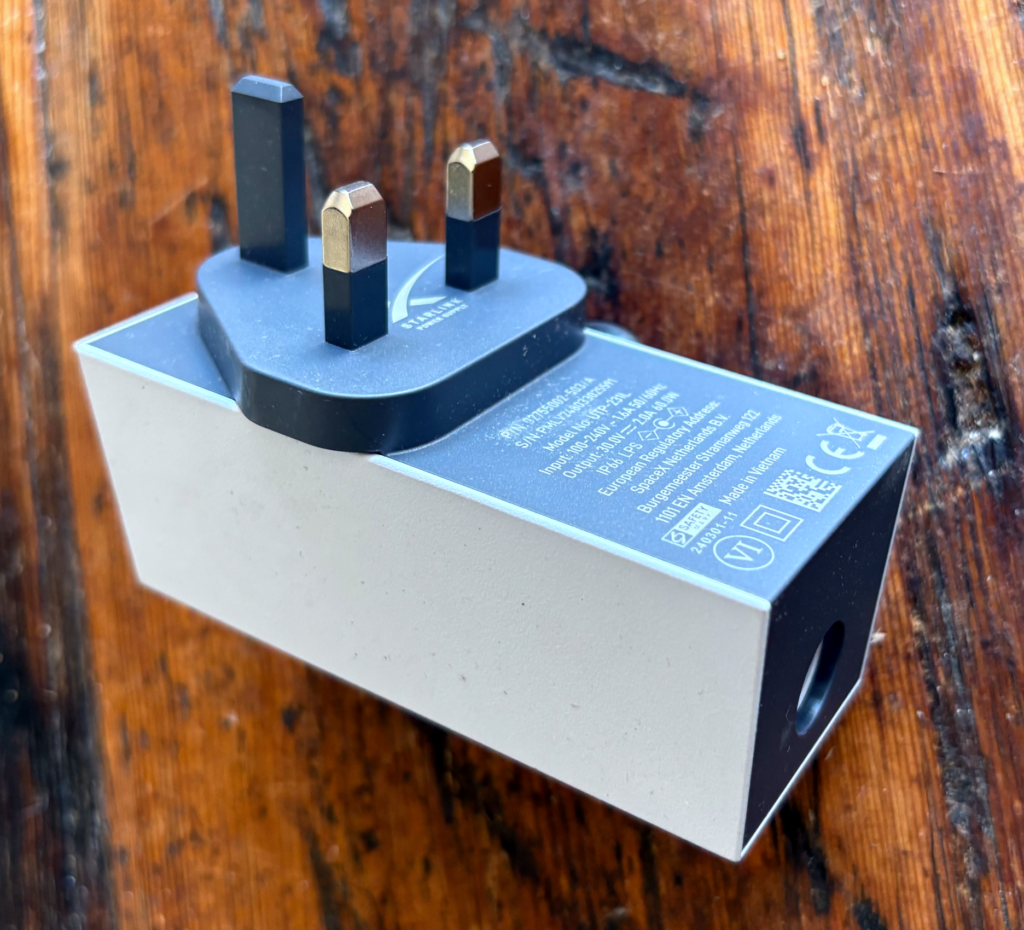 | The power supply for the UK is the standard 3 Pin plug, it can take input from 100-240v 1.6 Amps at 50/60Hz. Output is 30v 2 Amps (60W). It is unlikely we will use this onboard as we try to minimise the use of our 240v supply as our inverter so ineffiecent for such a small load. (Our inverter was installed so we could use a Washing Machine and power tools when needed and can output 3000W. |
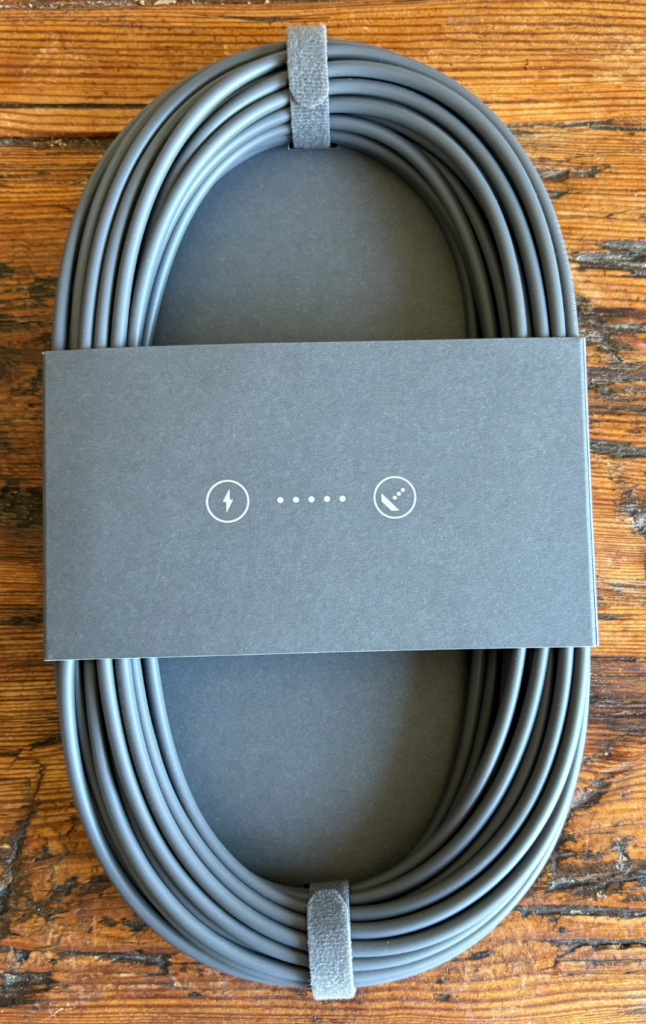 | The 15m (approx 50ft) power lead supplied is nice and long and is designed for use with the mains adapter, it has a special water tight connector at each end. It is again unlikely we will use this on the boat, as I hope to run the system on 48V using a power over Ethernet solution (More on that later) As well as a power plug on the back of the StarLink Mini there is also a Ethernet RJ45 which we will use to get the network inside to our boat WIFI. The StarLink has it own built in WIFI, but this is probably not be very effective on our all steel narrow boat (we will test this once we have it all installed on the boat. |
We have a few more bits on order including a POE (Power Over Ethernet) adapter and power supply and some external high quality ethernet cable.
